- アートワークジェネレータがより使いやすくなるよう、大幅に修正を加えました。
- We have made significant modifications to make the Artwork Generator easier to use.
1. ユーザーインターフェース / User Interface
1.1. 言語対応 / Language Support

- 日本語/英語を切り替えられるようになりました。
It is now possible to switch between Japanese and English.
1.2. ユーザーレイヤーとラベルレイヤーを分離 / Separation of User and Label Layers
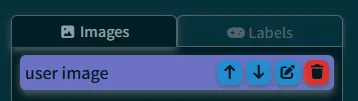
- ユーザーレイヤーとラベルレイヤーを別々に管理できるようになりました。これにより誤ってラベルレイヤーを移動してしまうことが無くなりました。
User layers and label layers can now be managed separately. This prevents the label layer from being accidentally moved.
1.3. レイヤーの位置合わせ支援機能 / Layer Alignment Assistance
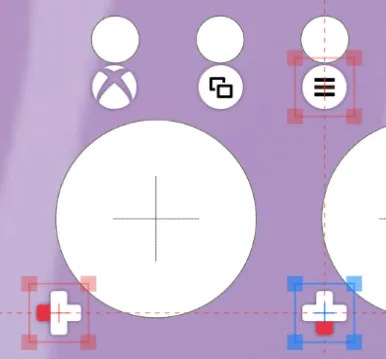
- レイヤーを選択した際、X軸またはY軸に一致するレイヤーを強調表示するようになりました。
When a layer is selected, layers that match on the X or Y axis are now highlighted.
1.4. アンドゥ・リドゥ機能 / Undo/Redo Function
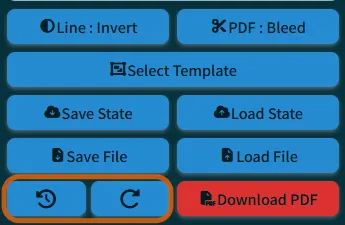
- アンドゥ・リドゥ機能を追加しました。画像の追加、削除を除く操作についてはアンドゥ・リドゥが可能です。
Added undo/redo functionality. Undo/redo is available for operations except for adding and deleting images.
1.5. その他 / Other
- 自然なズームイン、ズームアウト
Natural zoom in/out - 自然な拡大、縮小
Natural scaling - キャンバスサイズの最適化
Canvas size optimization - スマートフォン表示字のレイアウト修正
Layout correction for smartphone display
2. アートワーク編集 / Artwork Editing
2.1. ラベルの種類を追加 / Additional Label Types
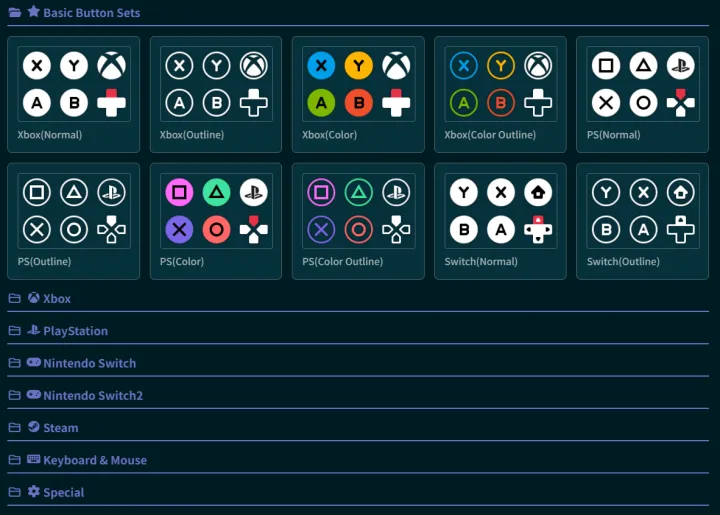
- ラベルの種類を大幅に追加しました。
Significantly increased the variety of labels.
2.2. 色反転機能 / Color Inversion Function
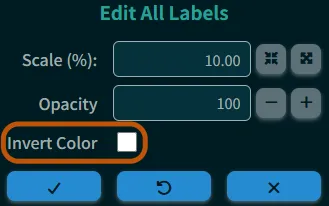
- レイヤーの色を反転できるようになりました。主にラベルの色を白から黒に変えたいときに使用できます。
It is now possible to invert layer colors. This can be mainly used to change the color of labels from white to black.
3. PDF出力 / PDF Output
3.1. 切り取り線の色変更 / Cutting Line Color Change
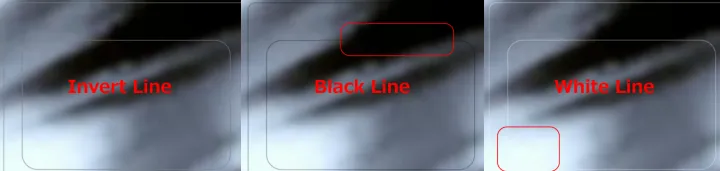
- 以下の3パターンから選択可能
- Selectable from the following 3 patterns:
- 反転色
Inverted color - 黒
Black - 白
White
- 反転色
3.2. 裁ち落とし領域 / Bleed Area
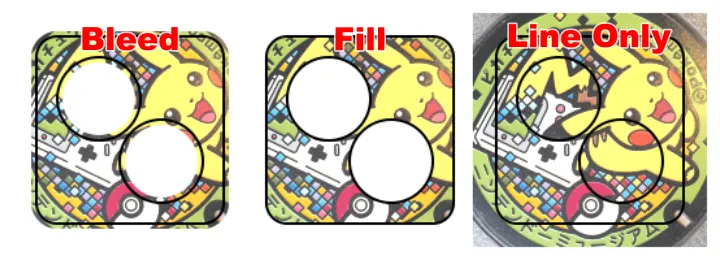
- 以下の3パターンから選択可能
- Selectable from the following 3 patterns:
- 裁ち落とし(GUI上は塗りつぶし、PDF出力時に裁ち落としを追加)
Bleed (filled on the GUI, bleed added during PDF output) - 塗りつぶし(切り取り線の内側を白色で塗りつぶし)
Fill (fills the inside of the cutting line with white) - 切り取り線のみ
Cutting line only
- 裁ち落とし(GUI上は塗りつぶし、PDF出力時に裁ち落としを追加)
3.3. トリムマークの追加 / Addition of Trim Marks
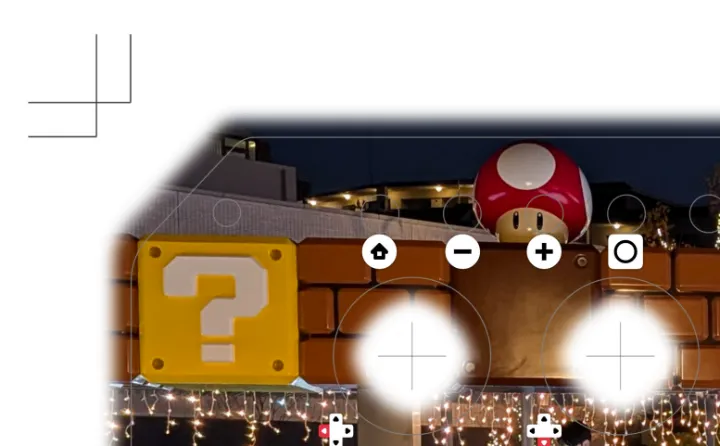
- 外枠を切り落とす際に便利なトリムマークを追加。(Duelpad Zenのような複雑な形状には対応していません)
- Added convenient trim marks for cutting the outer frame. (Not compatible with complex shapes like Duelpad Zen).
3.4. 余白に追加情報を印刷 / Print Additional Information in Margins
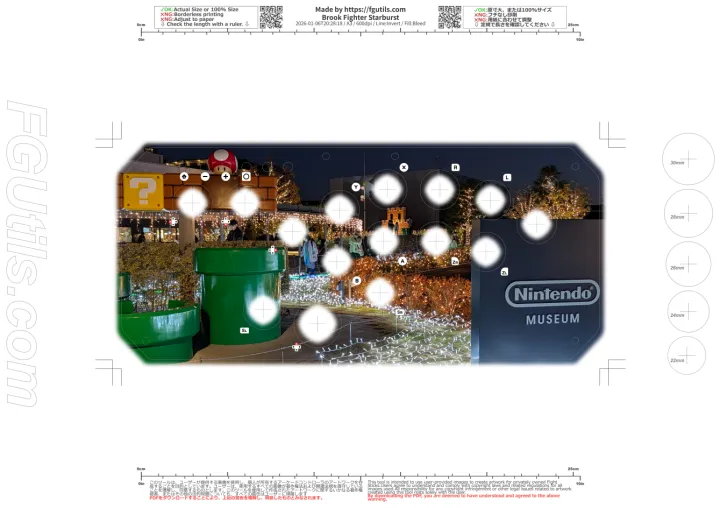
- 余白に以下の情報を追加
- Add the following information to the margins:
- テストカット用サークル
Test cut circle - 印刷情報(日時/用紙/切り取り線の色/裁ち落としの有無) / Printing information (date/time, paper, cutting line color, presence/absence of bleed)
- テストカット用サークル